
Welcome to the alumni community
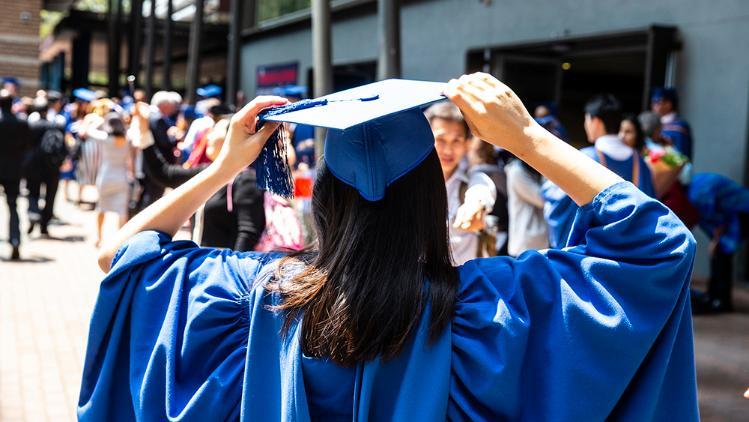
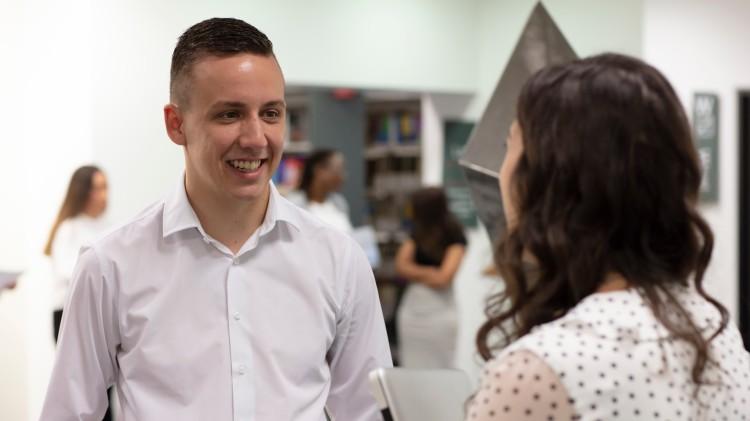
When you graduate from the University of Wollongong you become a UOW graduate and join a global community of more than 180,000 leaders and innovators.
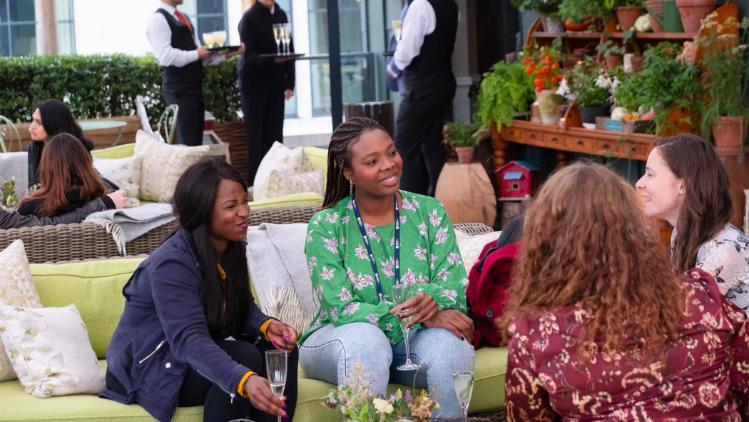
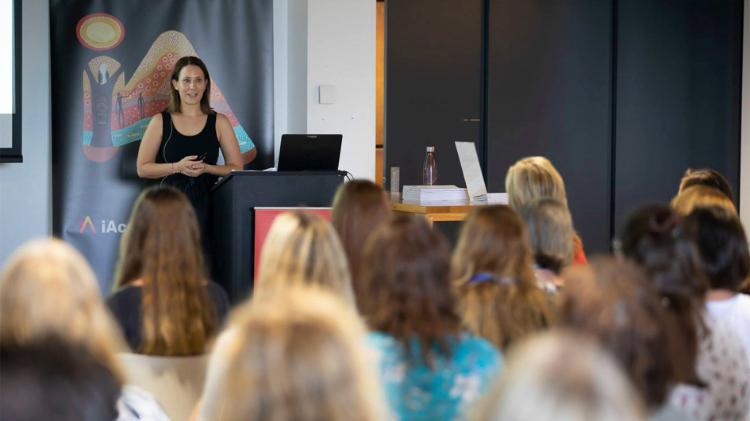
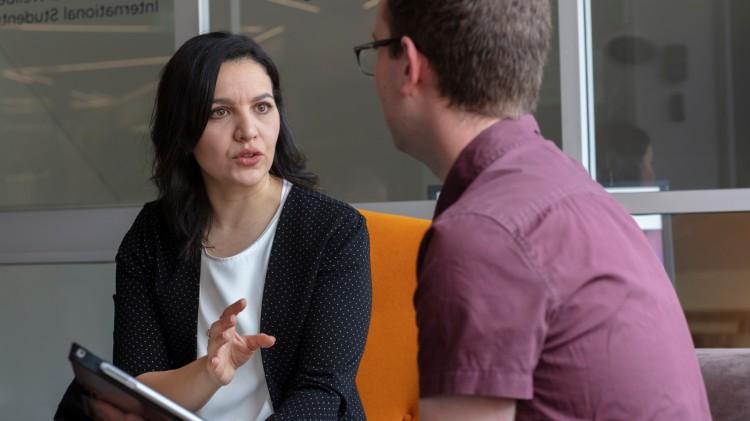
The Alumni Relations and Engagement Team connect with alumni and help you tap into the global alumni network. We want to celebrate your achievements, build your networks, facilitate your lifelong learning and provide opportunities to continue your relationship with UOW.
Be sure to keep your contact details up to date so we can stay in touch. You never know where an opportunity or alumni connection may lead you!